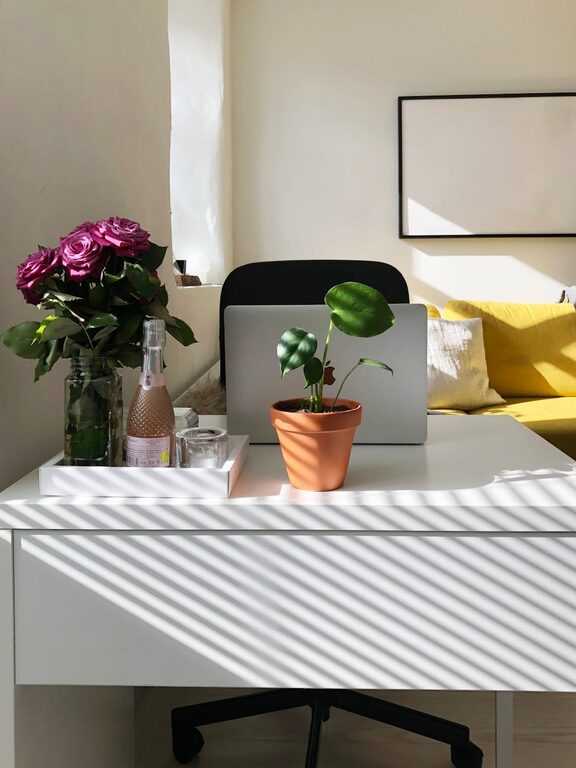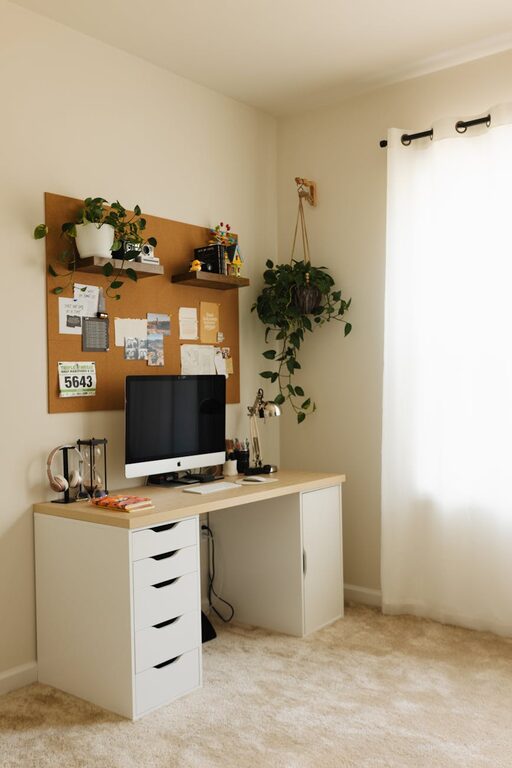
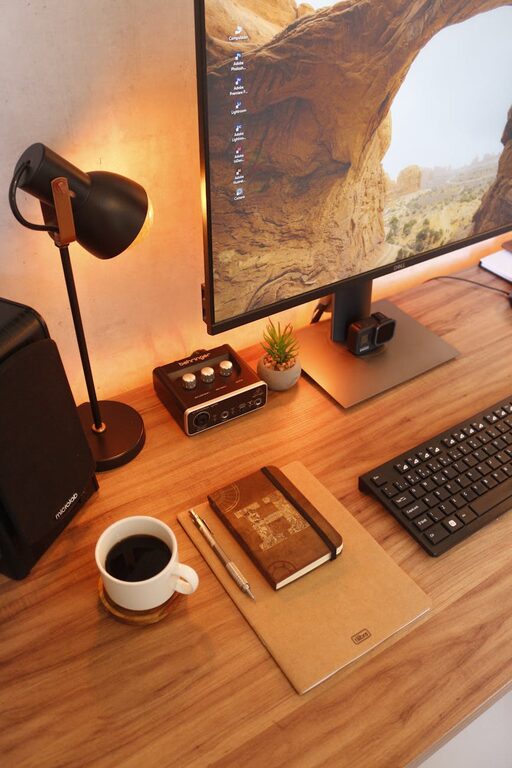
Creating a home office space that feels cozy yet promotes productivity can transform the way you work. Whether you’re working remotely full-time or just need a spot for occasional tasks, a well-designed workspace makes a huge difference.
In this guide, we’ll walk through easy and practical tips to help you set up a home office that balances comfort and efficiency.
Why a Cozy Home Office Matters
A comfortable home office can reduce stress, increase focus, and make work more enjoyable. When your workspace feels inviting, it encourages creativity and helps separate work time from relaxation.
Choose the Right Location
Quiet and Private
Find a space with minimal noise and distractions. If possible, select a room with a door to close off interruptions.
Natural Light
Pick a spot near a window for natural light, which helps reduce eye strain and boosts mood. Position your desk so light falls to the side, avoiding screen glare.
Invest in Comfortable Furniture
Ergonomic Chair
Choose a chair that supports your back and encourages good posture. Comfort matters when you spend long hours seated.
Functional Desk
Your desk should be the right height and size to hold your computer, supplies, and allow you space to work comfortably.
Organize for Efficiency
Declutter Regularly
Keep your desk clear of unnecessary items to minimize distractions.
Use Storage Solutions
Incorporate shelves, drawers, or filing cabinets to keep documents and supplies neatly stored.
Cable Management
Use clips or sleeves to organize cables and avoid tangled cords.
Personalize Your Space
Adding personal touches can make your workspace feel inviting:
– Photos or artwork that inspire you
– Plants to add greenery and improve air quality
– A cozy blanket or cushion for added comfort
Lighting Matters
Besides natural light, consider adding:
– A desk lamp with adjustable brightness to reduce eye strain
– Soft overhead lighting to create a warm atmosphere
Maintain Good Air Quality
Open windows when possible for fresh air. Adding a small air purifier can help maintain a healthy environment.
Set Boundaries and Routines
Designate your home office strictly for work to help mentally separate professional and personal time. Establish a daily routine to signal when work begins and ends.
Use Technology to Your Advantage
– Use noise-canceling headphones to block distractions
– Employ productivity apps or timers to stay on track
– Ensure a fast and reliable internet connection
Keep Comfort in Mind
Take regular breaks to stretch and move around. Consider a standing desk option or anti-fatigue mat if standing for parts of the day.
Final Thoughts
Creating a cozy and productive home office is all about balancing comfort with function. By choosing the right location, investing in ergonomic furniture, organizing wisely, and adding personal touches, you can design a workspace that supports both your wellbeing and professional goals. Start with small changes, and watch your productivity and comfort grow!