Creating a home office that is both comfortable and productive is key to making remote work successful. With more people working from home than ever before, designing a workspace that supports focus and well-being is essential. Whether you have a dedicated room or just a small corner, these tips will help you set up an environment where you can work efficiently and feel good.
Choose the Right Location
Consider Natural Light
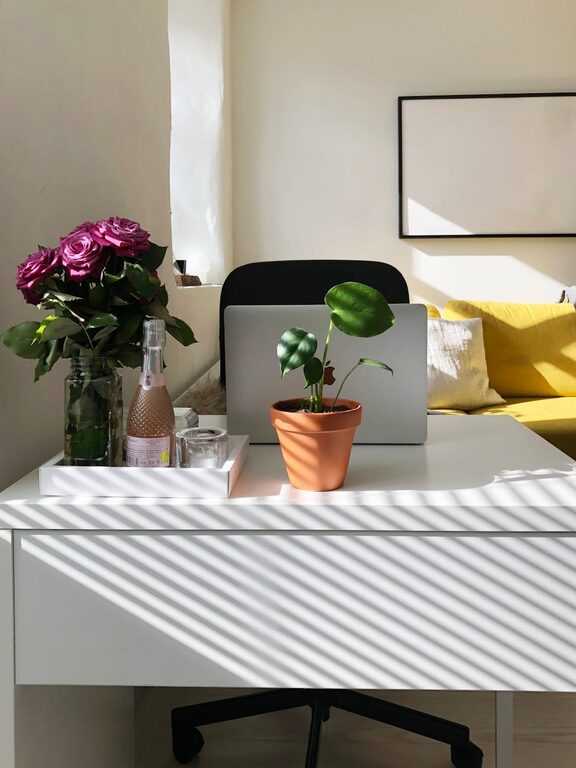
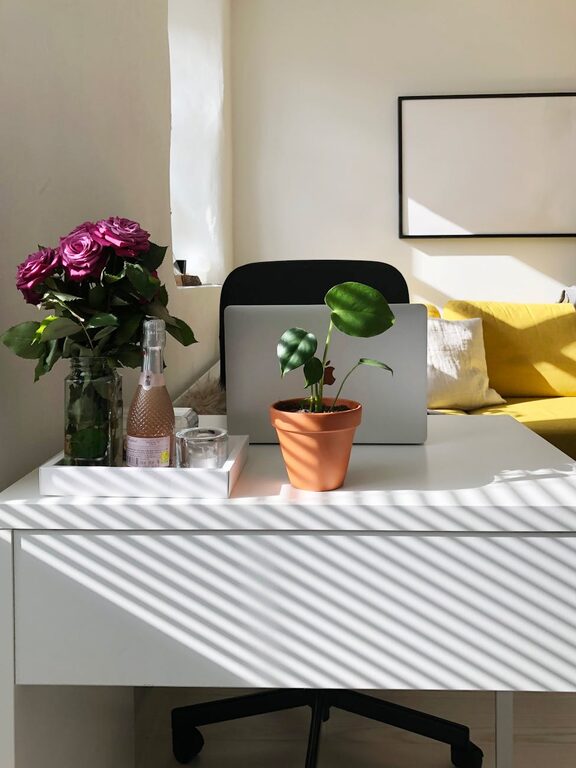
Start by selecting a spot in your home that receives plenty of natural light. Good lighting improves mood and reduces eye strain. Position your desk near a window if possible, but be mindful of glare on your computer screen.
Minimize Distractions
Choose a quiet area away from high-traffic zones like the kitchen or living room. If noise is unavoidable, consider noise-cancelling headphones or a white noise machine to help you concentrate.
Invest in Ergonomic Furniture
Select a Supportive Chair
Your chair is one of the most important elements. Choose an adjustable chair that supports your lower back and promotes good posture. Sitting for long hours can cause discomfort without proper support.
Opt for a Functional Desk
Pick a desk with enough surface area to hold your computer, documents, and other tools you use regularly. Height-adjustable desks that allow switching between sitting and standing positions can also be beneficial.
Organize Your Workspace
Use Storage Solutions
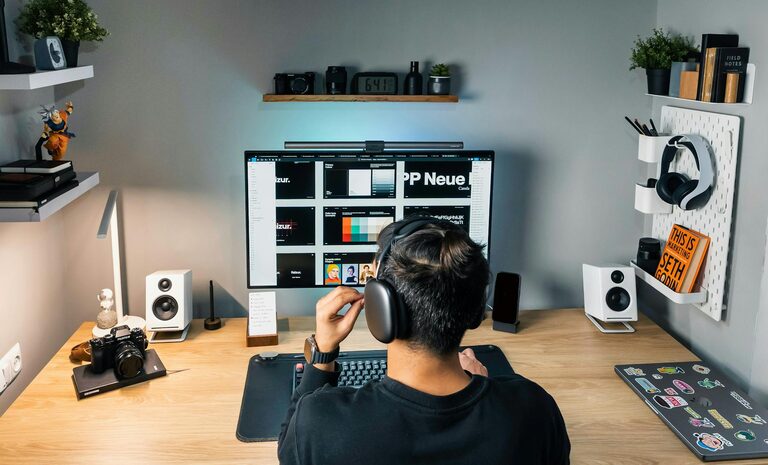
Clutter can hinder productivity. Incorporate shelves, drawers, or filing cabinets to keep supplies and paperwork organized and out of sight. Desk organizers keep essentials within reach without creating mess.
Keep Cables Tidy
Messy cables can be distracting and unsafe. Use cable clips, ties, or sleeves to bundle cords neatly and out of your way.
Optimize Lighting
Combine Natural and Artificial Light
While natural light is ideal, it’s important to have adequate artificial lighting for cloudy days or nighttime work. Use adjustable desk lamps that provide focused light without causing glare.
Choose the Right Bulbs
Soft white or daylight bulbs can reduce eye strain and create a more inviting atmosphere. Avoid harsh fluorescent lighting when possible.
Pay Attention to Technology
Reliable Internet Connection
A stable and fast internet connection is essential for smooth communication and efficient work. Consider an upgrade if your current setup feels slow or inconsistent.
Use Quality Accessories
Invest in a good keyboard, mouse, and headset that feel comfortable during long use. Ergonomic accessories can prevent strain and fatigue.
Personalize Your Space
Add Plants and Decor
Plants can improve air quality and add a touch of nature, which may boost your mood. Personal items like photos, artwork, or inspirational quotes make your workspace feel inviting.
Choose Calming Colors
Colors influence how we feel and work. Soft blues, greens, or neutrals tend to be calming and can enhance focus.
Establish Boundaries
Set Clear Work Hours
Stick to a routine to separate work time from personal time. This helps maintain work-life balance and reduces burnout.
Create a Visual Barrier
If your workspace is part of a larger room, use screens or furniture placement to create a sense of separation from home life.
Maintain Comfort
Control Temperature and Air Quality
Ensure your workspace is well-ventilated and at a comfortable temperature. A fan or portable heater can help regulate your comfort throughout the year.
Take Regular Breaks
Even with the best setup, it’s important to take short breaks to stretch, hydrate, and rest your eyes.
—
Designing your ideal home office takes some effort, but the payoff in comfort and productivity is worth it. By prioritizing lighting, ergonomics, organization, and personal touches, you’ll create a space that supports your work and wellbeing every day.